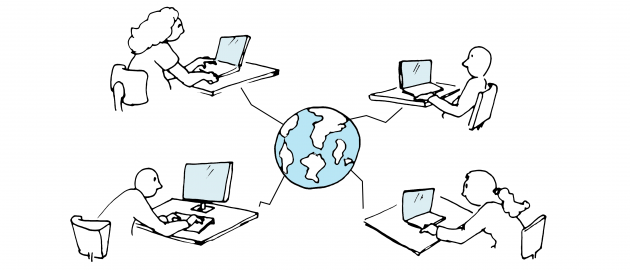
Get guidance on how you best get started with video conferences
Most of us are already familiar with PowerPoint and use it more or less on a daily basis. You can however easily improve your presentation and the use of PowerPoint with a few tips and tricks.
Use Padlet for student contributions and feedback as well as follow-up on group work and sharing information in class.
Professor Nicole Schmitt, Department of Biomedical Sciences : ONLINE LEARNING We have gathered some inspiration for teachers on how to create a good and empowering learning environment. Enjoy reading and incorporate as you see fit to your personal teaching style.
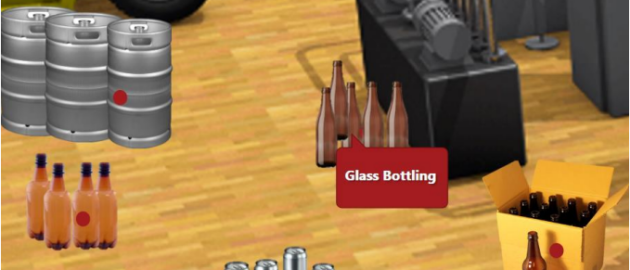
Kim Lou Johansen : In this small workshop we will discuss the reason for creating the Virtual Brewery and which issues it solves.
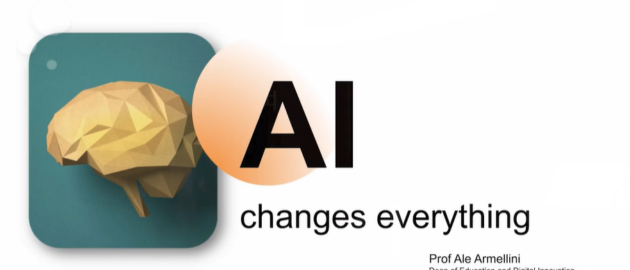
Ale Armellini : How will AI reshape the way we teach, assess and engage students in the weeks, months, and years ahead? At a presentation in spring 2025, Prof. Ale Armellini from University of Portsmouth gave his views.
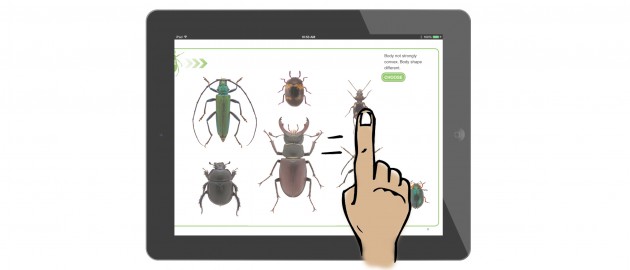
Do you want to make your compendium more visual and interactive? This article provides some inspiration.
Hvordan starter du gode samtaler med dine studerende on GenAI? Hvordan de bruger det og hvornår det (ikke) er en god idé at bruge det? Find øvelsesforslag og ideer her.
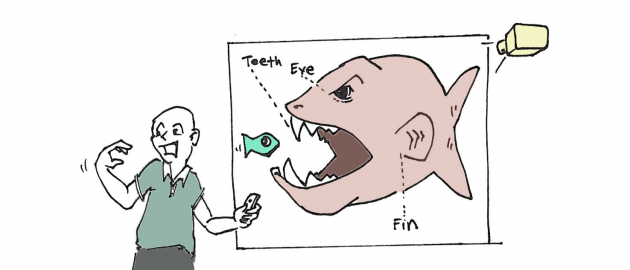
How do you create visually compelling presentations, support your points and help your audience remember them? Try these nine tips on creating better presentations.