UCPH's Open Educational Resources website (OER) allows you to auto-generate subtitles for your videos in both English and Danish.
Need an eye-catching way to convey your message or your data? Or a prettier version of that model you always draw, badly, on the whiteboard? You don't need to be a graphic designer, just try these great easy-to-use tools.
Get guidance on how you best get started with video conferences
Kira Tendal og Marian Ørgaard : We will allow the participants to try out a small part of our brand new “På Jagt i haven” introduction to Landbohøjskolehaven for first year students.
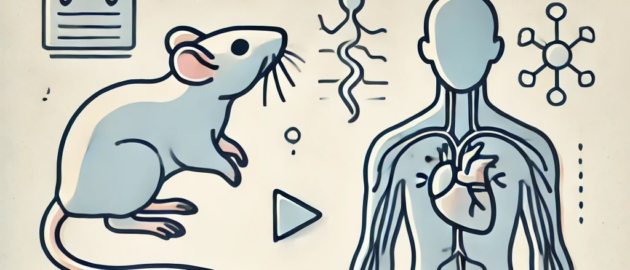
Anna Klawon : How does a rat dissection connect to human anatomy? In this flipped learning exercise Pharmacy students watch video, embark on an treasure hunt and use Padlet to document their findings.
Mhairi Aitken : With all the hype and sensationalism around AI it can be difficult to know what to believe.
Find all updated UCPH policies, rules and support materials about GenAI at KUnet
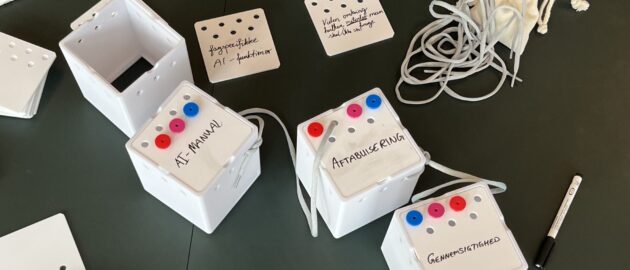
Students at UCPH have produced materials to open discussions in and out of class between students - and between students and teachers
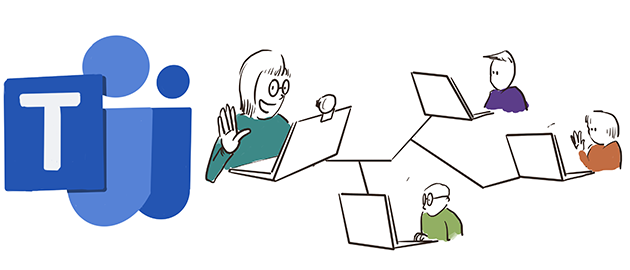
Need to have recurring meetings or teach the same class in MS TEAMS? Then use a classroom team, you can even have break out sessions, where the students can discuss in their own video groups.