A guide to different ways of sharing content between students and encouraging them to engage with it.
Pencast is especially useful if you use formulas and equations, or if you simply like to write on a board while you talk. For you as a teacher, if the students can watch part of the lecture beforehand it can give you more time for questions and dialogue in class.
Need an eye-catching way to convey your message or your data? Or a prettier version of that model you always draw, badly, on the whiteboard? You don't need to be a graphic designer, just try these great easy-to-use tools.
Morten Nyboe Tabor : Morten aims to make students in the Econometrics II course better prepared for the lectures by getting them to watch YouTube videos, do quizzes, etc. in between them.
Rasmus Fløe Mølbak & Bodil Helene Allesen-Holm : We have used virtual treasure hunts to give students an active start to their studies and to ensure they become familiar with the campus.
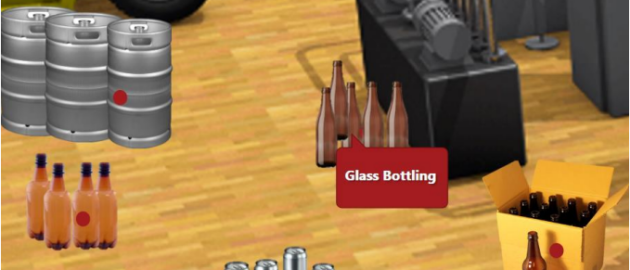
Kim Lou Johansen : In this small workshop we will discuss the reason for creating the Virtual Brewery and which issues it solves.
Need to have recurring meetings or teach the same class in MS TEAMS? Then use a classroom team, you can even have break out sessions, where the students can discuss in their own video groups.
How do you create visually compelling presentations, support your points and help your audience remember them? Try these nine tips on creating better presentations.
Do you want to make your compendium more visual and interactive? This article provides some inspiration.